

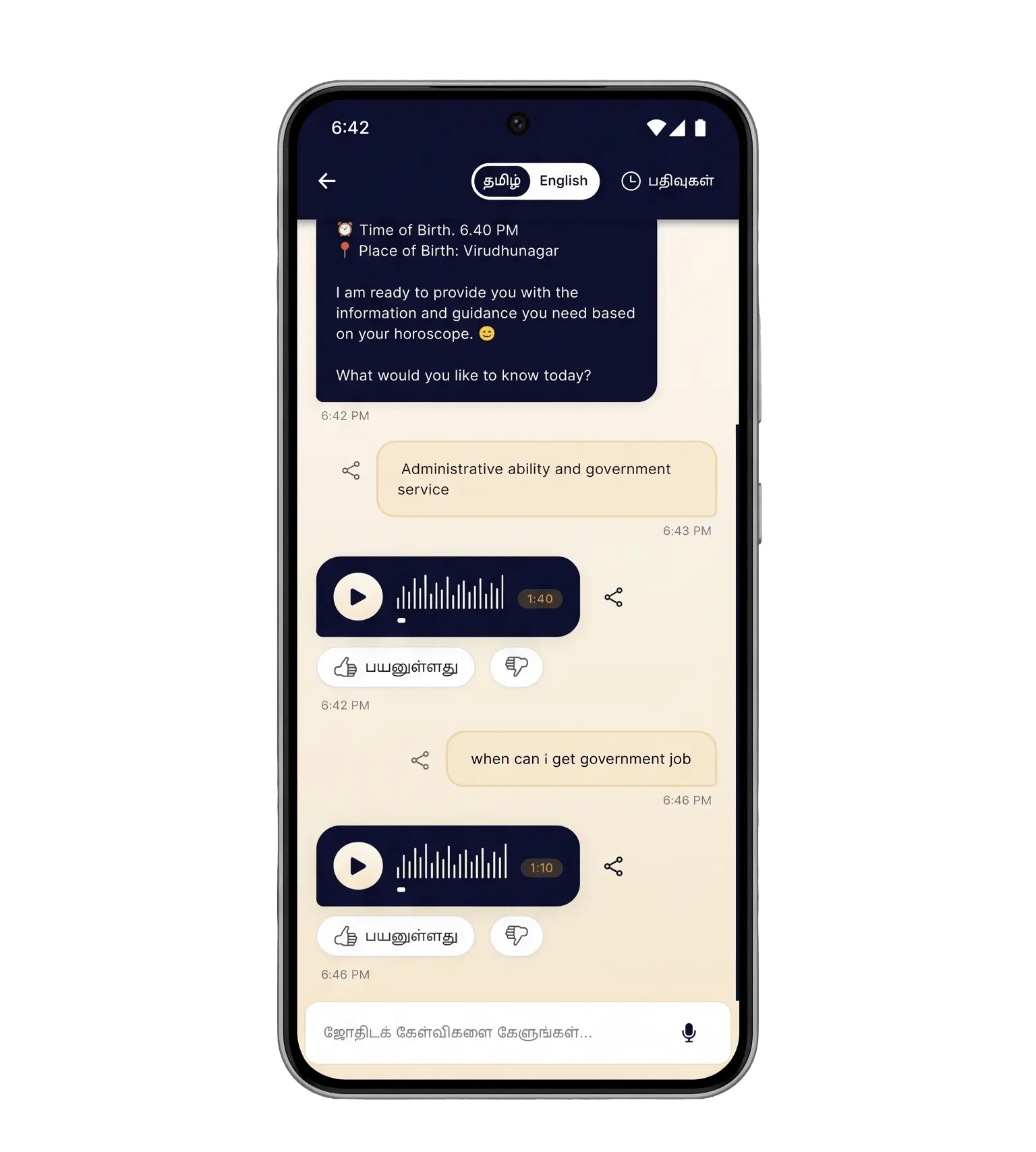
Any Device Access
Access AstroPalan on any of your devices, wherever you are.
Install AstroPalan on iOS
- 1Open Safari on your iPhone or iPad and visit the AstroPalan website.
- 2Tap the Share button in Safari.
- 3Scroll through the share options and select Add to Home Screen.
- 4Confirm the app name, then tap Add.
- 5Tap the AstroPalan icon added to your Home Screen to open the app.
On-call & WhatsApp Support9677665505On-call & WhatsApp Support9677665505
Technical Support9500304068
Technical Support9500304068